
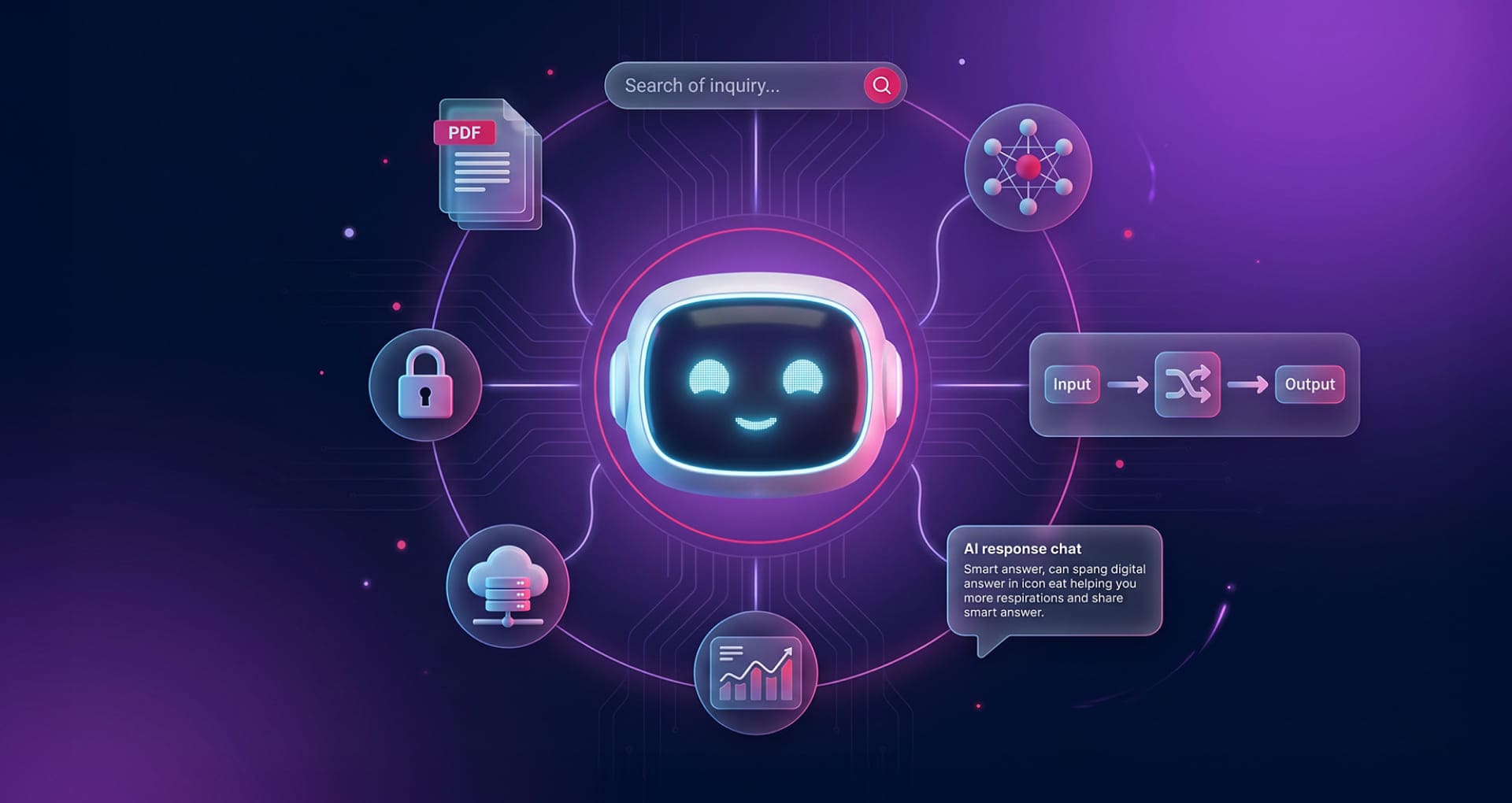
Your website should not just sit there. It should answer, guide and generate leads.
RAG AI Website Assistants
Your website should not just sit there. It should answer, guide and generate leads.
A RAG AI Website Assistant helps visitors ask questions, understand your services, find the right next step and contact your team with clearer intent.
The problem
Your visitors already have questions. Most websites make them search for the answers alone.
When someone lands on your website, they may want to know if you offer the right service, how your process works, what the next step is, or whether your business is the right fit.
But instead of getting a direct answer, they often have to scroll through pages, open menus, read service descriptions and decide for themselves where to click.
Many visitors leave at that point. Not because they were not interested, but because the website did not support them at the exact moment they needed clarity.
An AI website assistant changes that experience. It turns your website from a passive information page into an active first point of contact.
What it is
A RAG AI Website Assistant is not just a chatbot widget.
A basic chatbot usually follows scripts, buttons or generic replies. A proper AI website assistant is designed around your business, your services, your content and the type of enquiries you want to receive.
When it is connected to a RAG system, the assistant can search approved business knowledge before answering. That knowledge can include website pages, service descriptions, FAQs, documents, product information or selected internal notes.
In simple terms, it lets visitors ask your website a question and receive a useful answer based on information your business has already approved.
It can also guide people toward the right next step: booking a call, requesting a quote, choosing a service, asking for more information or contacting your team with clearer context.
What it does
It helps visitors move from curiosity to contact.
Most visitors are not ready to fill in a form immediately. They need to understand, compare and feel confident first. A website assistant helps them do that in the moment.
Answers questions instantly
Visitors can ask what they need to know without searching through multiple pages, service descriptions, menus or FAQs.
Explains your services clearly
If someone is unsure what they need, the assistant can explain your services in simple language and guide them toward the most relevant option.
Captures better leads
When a visitor shows interest, the assistant can collect their details and send your team useful conversation context, not just a blank form submission.
Try it live
The best way to understand it is to try one inside this article.
Below you can try a working AI assistant connected to ALT SAINT’s own knowledge and automation workflow.
Ask about AI website assistants, RAG, lead capture, CRM connections, automation or how this type of assistant could work for your own business.
This is not a static screenshot. It is a real example of how a website can answer questions, explain services and guide visitors toward the next step.
Live AI Assistant Demo
Ask ALT SAINT AI
Why RAG matters
The assistant should not guess. It should answer from the right knowledge.
One of the biggest concerns businesses have with AI is trust. What if the assistant invents something, gives an outdated answer or says something your team would never say?
That is why a RAG-based assistant is more useful than a generic AI chatbot. RAG stands for Retrieval-Augmented Generation. Instead of answering only from general AI knowledge, the assistant first retrieves relevant information from selected sources, then uses that context to produce a more grounded answer.
For a business website, this means the assistant can be connected to approved pages, services, FAQs, documents, policies, product information or internal knowledge.
It can also be designed with boundaries. If it does not have enough information, it should say so and guide the visitor to contact your team rather than pretending to know.
The goal is not to make AI sound clever. The goal is to make your business knowledge easier to access, easier to understand and easier to act on.
Before and after
What changes when your website can answer back?
| Without an assistant | With an AI website assistant |
|---|---|
| Visitors search manually | Visitors ask directly and receive guided answers |
| Important questions are left unanswered | Common doubts are handled instantly |
| Forms feel cold and generic | Leads arrive with context, intent and conversation history |
| Your team repeats the same answers | The assistant handles the first layer of repetitive questions |
| Visitors may leave confused | Visitors are guided toward the right next step |
| Your website is passive | Your website becomes an active sales support tool |
Lead generation
The real value is not just answering questions. It is identifying intent.
A contact form usually tells you very little. You may receive a name, an email address, a phone number and a short message, but you still need to understand what the person really wants.
An AI website assistant can capture more useful context before the enquiry reaches your team. It can help identify whether someone is looking for a consultation, quote, booking, specific service, technical guidance or general advice.
That means your team receives a warmer lead with a clearer picture of what the visitor was trying to solve.
Better context means better follow-up. Better follow-up means a higher chance of turning the enquiry into a real client.
What can be included
A practical setup can start simple and grow with your business.
The assistant can be configured around your website, knowledge base, lead capture process and the tools your team already uses.
Website installation
The assistant can be installed directly on your website and adapted to your brand, language and user journey.
RAG knowledge base
Your approved pages, FAQs, service descriptions or documents can be turned into a searchable knowledge base for the assistant.
Lead notifications
When a visitor becomes a lead, your team can receive the contact details and conversation context by email or workflow.
CRM and workflow connections
The assistant can be connected to CRM systems, forms, email, calendars, spreadsheets or automation workflows when needed.
Multilingual support
The experience can be configured around the languages your visitors use, helping international or multilingual websites guide users more clearly.
Usage and improvement
Usage, common questions and lead patterns can be reviewed over time to improve the assistant and the website content around it.
Who benefits
Especially useful for businesses where trust, explanation and timing matter.
If customers usually ask questions before buying, booking or requesting a quote, an AI website assistant can make your website more helpful and commercially effective.
Service businesses
Consultants, agencies, legal firms, accountants, clinics, wellness centres, real estate agencies and local businesses with services that need explanation.
Businesses with repeated questions
If your team answers the same questions every week, the assistant can handle the first layer of information before the visitor contacts you.
Websites with valuable knowledge
If your website already explains services, processes, FAQs, locations, treatments, products or documents, the assistant can make that information easier to access.
Sales support
Your website can become a 24/7 first point of contact.
Most small and medium-sized businesses cannot reply instantly to every website visitor. People visit outside office hours, compare options at night and look for answers before they are ready to speak to someone.
An AI website assistant gives them support at the moment they are already paying attention.
It does not replace your team. It supports your team by handling the first conversation, answering common doubts and encouraging the right visitors to take the next step.
For many businesses, that means fewer lost opportunities, less repetitive answering and a more useful website experience.
Implementation options
There are two practical ways to start.
The right setup depends on how much content your website has and how often that content changes.
| Manual Knowledge Setup | Auto-Sync Knowledge Setup |
|---|---|
| Best for smaller websites | Best for active websites, blogs, service libraries or growing content |
| Knowledge is prepared and embedded manually | Knowledge can update automatically when content changes |
| Ideal for stable service pages and FAQs | Ideal for WordPress pages, posts, services or custom content types |
| Lower setup cost | More automated and scalable |
| Good for first pilots | Good for businesses that want the assistant to stay up to date over time |
Why now
AI should not stay trapped in experiments. It should become part of how your business works.
Many companies are already testing AI in disconnected ways: prompts, documents, tools, experiments and one-off automations.
That can be useful, but the real value appears when AI is connected to business workflows, approved knowledge, lead capture, CRM routing, reporting and ongoing improvement.
A website assistant is one of the most practical first steps because the value is easy to understand: your website already has visitors, your visitors already have questions, and your business already has knowledge that can help them.
The assistant connects those three things. It gives visitors a better experience and gives your team better information before the first call, email or enquiry.
Common questions
What business owners usually want to know.
Is this the same as a normal chatbot?
No. A normal chatbot often follows generic scripts or gives shallow answers. An AI website assistant is designed around your business, your content, your services and the type of enquiries you want to receive.
What does RAG mean?
RAG means Retrieval-Augmented Generation. In simple terms, the assistant retrieves relevant information from selected knowledge sources before answering, so its responses can be more grounded in your approved business content.
Can it use our own website content?
Yes. The assistant can be connected to selected website pages, service pages, FAQs, blog posts, documents or other approved sources, depending on the setup.
Can it help generate leads?
Yes. When a visitor shows interest, the assistant can ask for contact details and send your team the enquiry together with useful conversation context.
Can it connect to our CRM or email workflow?
Yes. Depending on the project, the assistant can be connected to email, CRM systems, helpdesks, forms, spreadsheets, automation workflows or other business tools.
What happens if the assistant does not know the answer?
A well-designed assistant should not invent answers. If it does not have enough information, it should say so and guide the visitor toward contacting the business directly.
Is it useful for small businesses?
Yes, especially for businesses that receive repeated questions, explain services often, depend on website enquiries or want to make their website more helpful without adding more pressure to their team.
AI Website Assistant
Your website already has visitors. Now it needs to start better conversations.
If your business receives repetitive questions, depends on enquiries, or has services that people need help understanding, an AI website assistant can make your website more useful, more responsive and more effective at capturing leads.
At ALT SAINT, we design AI website assistants and RAG systems that connect to approved business knowledge, answer useful questions, support visitors and help teams follow up with clearer context.
Try the live assistant above or contact us for a practical review of your website, content and lead capture flow.